Programmable Module Installation (PMI)
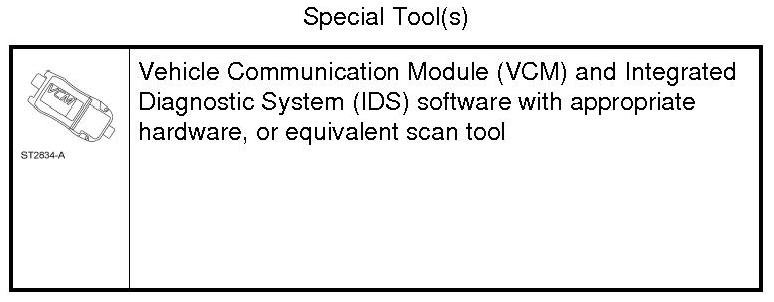
Programmable Module Installation (PMI) Using the Integrated Diagnostic System (IDS) When the Original Module is Available
NOTE: Following module installation, some modules require a separate procedure be carried out. For instructions, refer to the specific module removal and installation procedures.
1. Connect the IDS (Integrated Diagnostic System) and identify the vehicle as normal.
2. From the Toolbox icon, select Module Programming and press the check mark.
3. Select Programmable Module Installation.
4. Select the module that is being replaced.
5. Follow the on-screen instructions, turn the ignition key to the OFF position, and press the check mark.
6. Install the new module and press the check mark.
7. Follow the on-screen instructions, turn the ignition key to the ON position, and press the check mark.
8. The IDS (Integrated Diagnostic System) downloads the data into the new module and displays Module Configuration Complete.
9. Test module for correct operation.
Programmable Module Installation (PMI) Using the Integrated Diagnostic System (IDS) When the Original Module is NOT Available
NOTE: Following module installation, some modules require a separate procedure be carried out. For instructions, refer to the specific module removal and installation procedures.
1. Install the new module.
2. Connect the IDS (Integrated Diagnostic System) and identify the vehicle as normal.
3. From the Toolbox icon, select Module Programming and press the check mark.
4. Select Programmable Module Installation.
5. Select the module that was replaced.
6. Follow the on-screen instructions, turn the ignition key to the OFF position, and press the check mark.
7. Follow the on-screen instructions, turn the ignition key to the ON position, and press the check mark.
8. If the data is not available, the IDS (Integrated Diagnostic System) displays a screen stating to contact the As-Built Data Center. Retrieve the data from the technician service publication website at this time and press the check mark.
9. Enter the module data and press the check mark.
10. The IDS (Integrated Diagnostic System) downloads the data into the new module and displays Module Configuration Complete.
11. Test module for correct operation.