Check DTC Memory (function 02)
^ Connect scan tool V.A.G 1551 and enter address word "02 Transmission electronics" and advance until "Select function XX" appears in the display.
Scan Tool Connecting and Initial Checks

Indicated on display:
^ Press keys O and 2. (The function "Check DTC memory" is selected with 02).

Indicated on display:
^ Confirm entry with key Q.

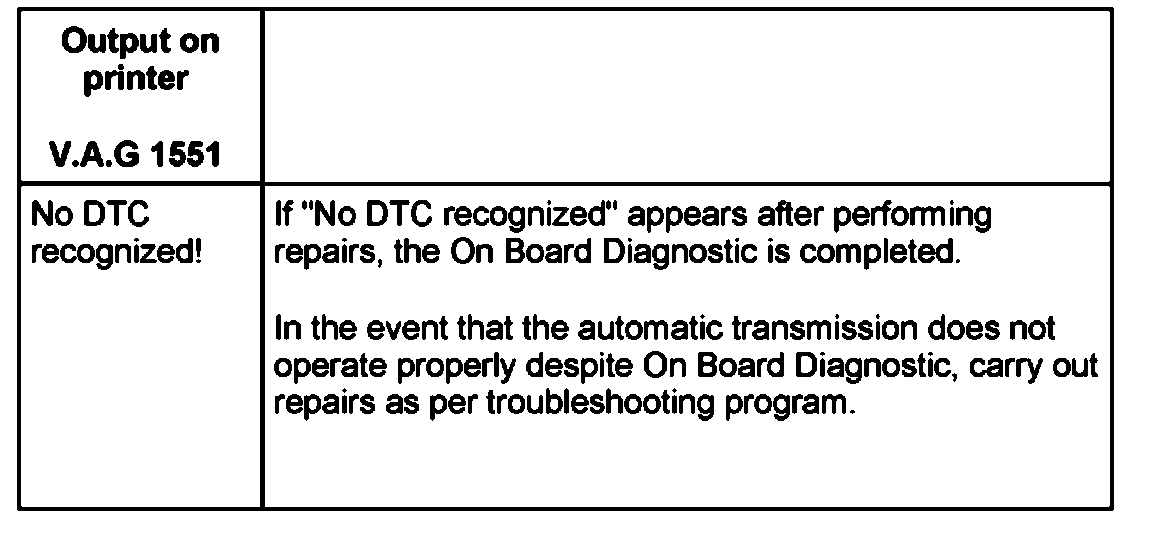
The number of stored DTCs or "No DTCs recognized" appears in the display.
The stored DTCs are displayed in turn and printed out.
^ Press - key.
^ After the last DTC has been displayed and printed out, the malfunctions should be repaired as described in the DTC table.
^ Press-key.

Indicated on display:
After checking the DTC memory and repairing the malfunctions:
^ Erase DTC memory.
Erase DTC Memory (Function 05)